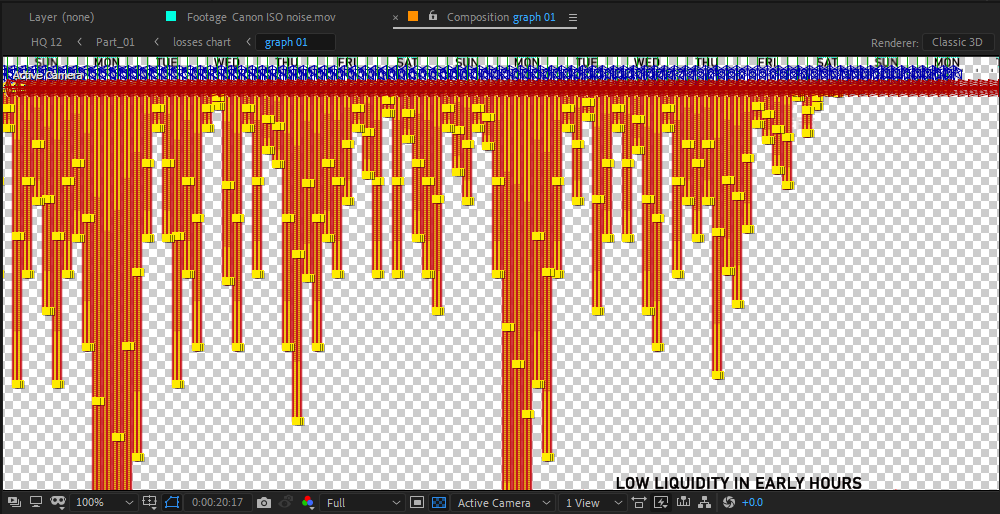
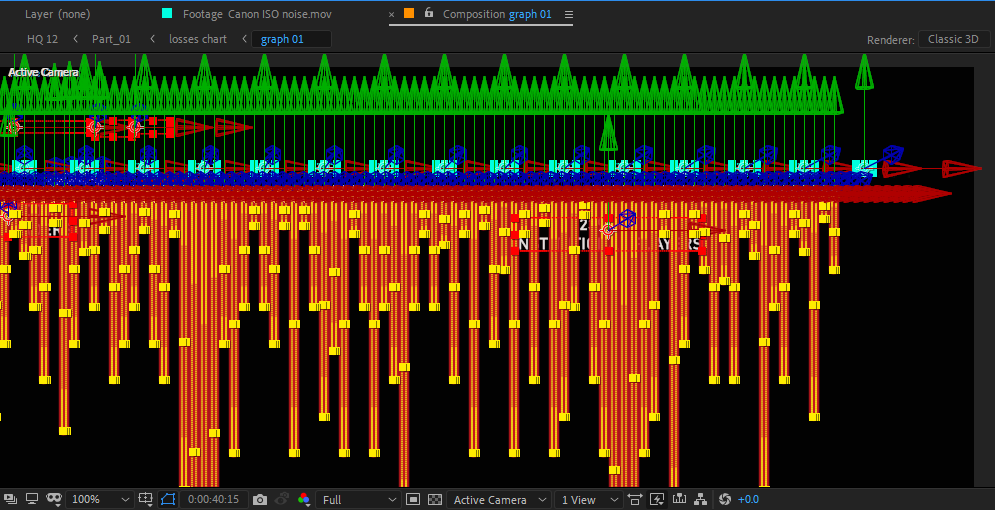
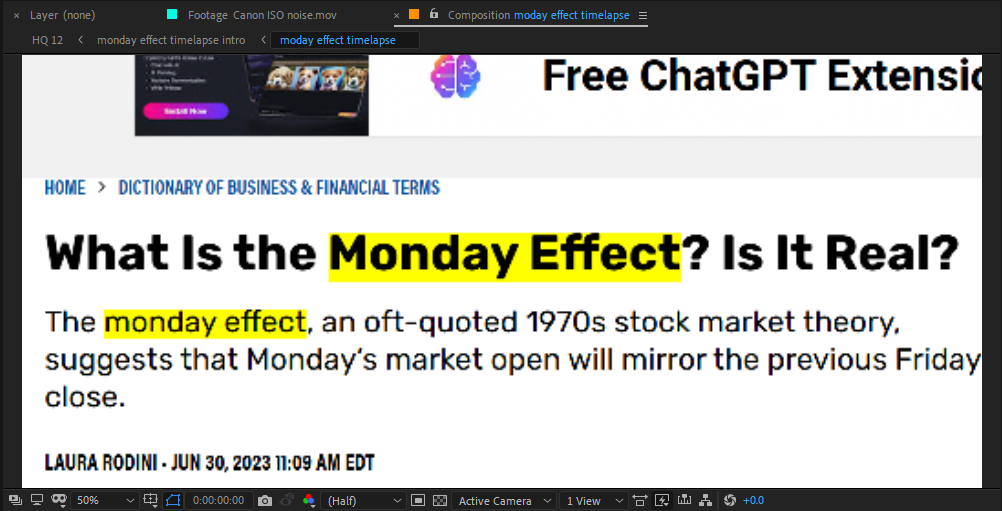
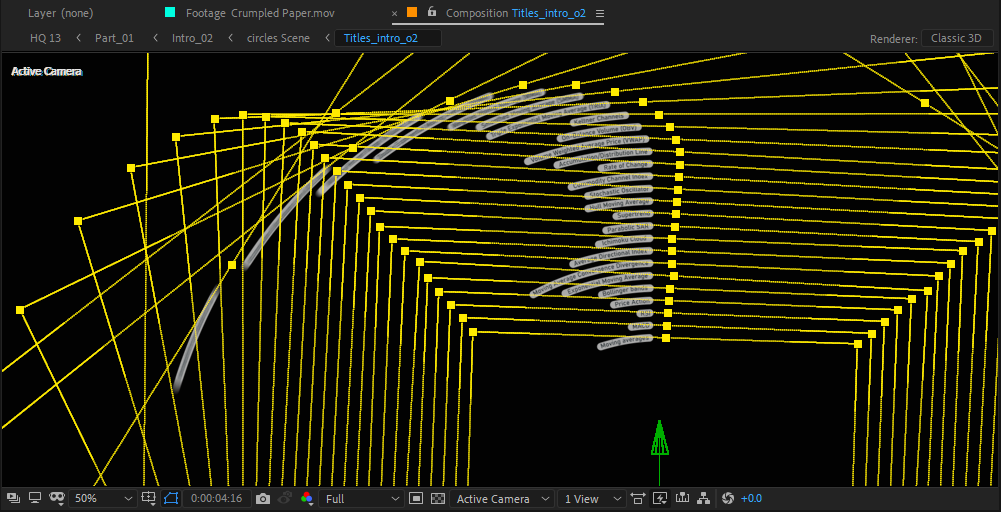
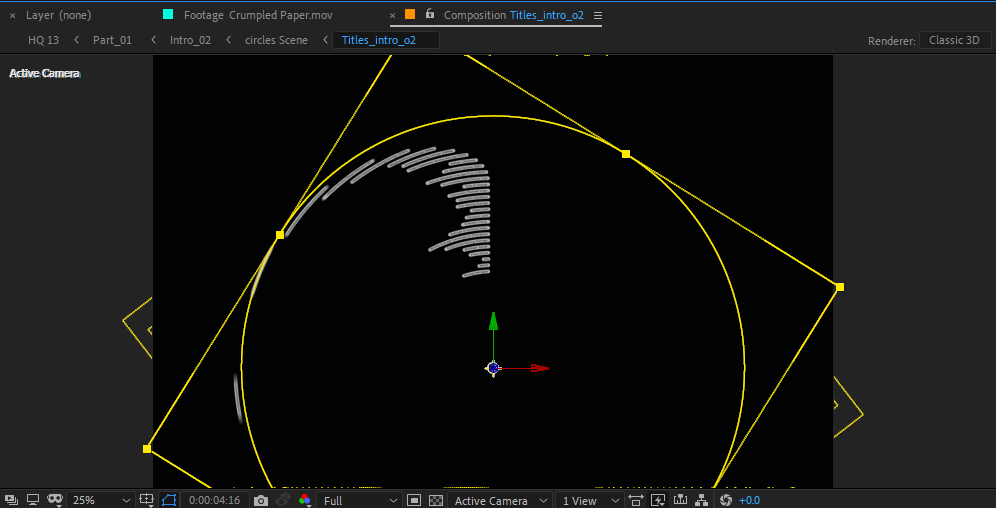
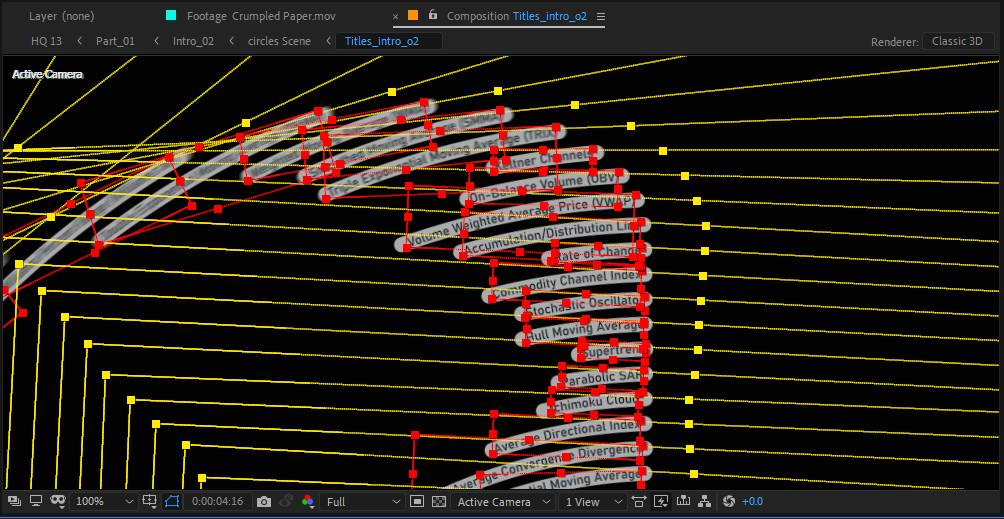
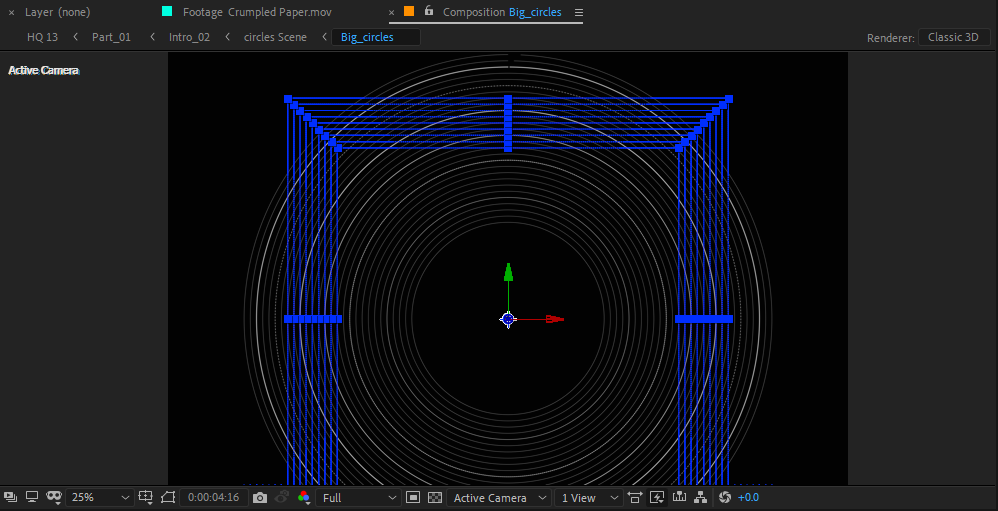
Learn How to Create Videos That Look Like They Cost Thousands
You’ve probably seen those sleek, cinematic mini-documentaries online, the kind that feel like Netflix-quality storytelling, packed with motion graphics, sound design, and pacing that pulls you in from the very first second. Most people think making videos like that requires a big team, expensive gear, or years of technical training.
But here’s the truth: you can do it yourself.
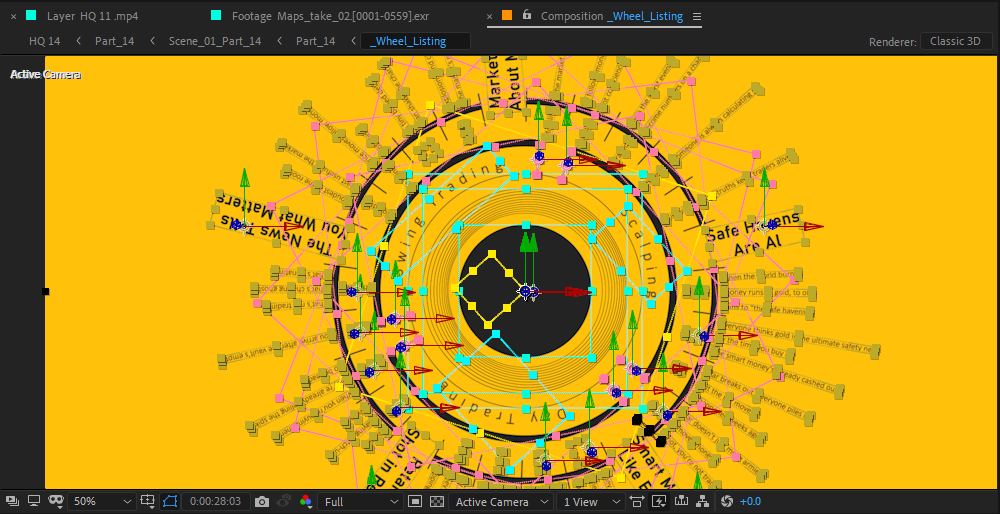
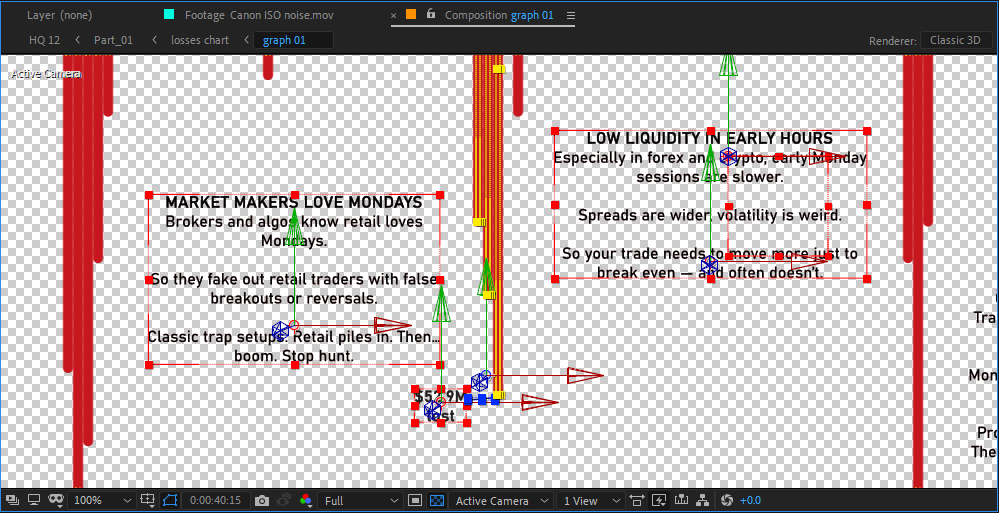
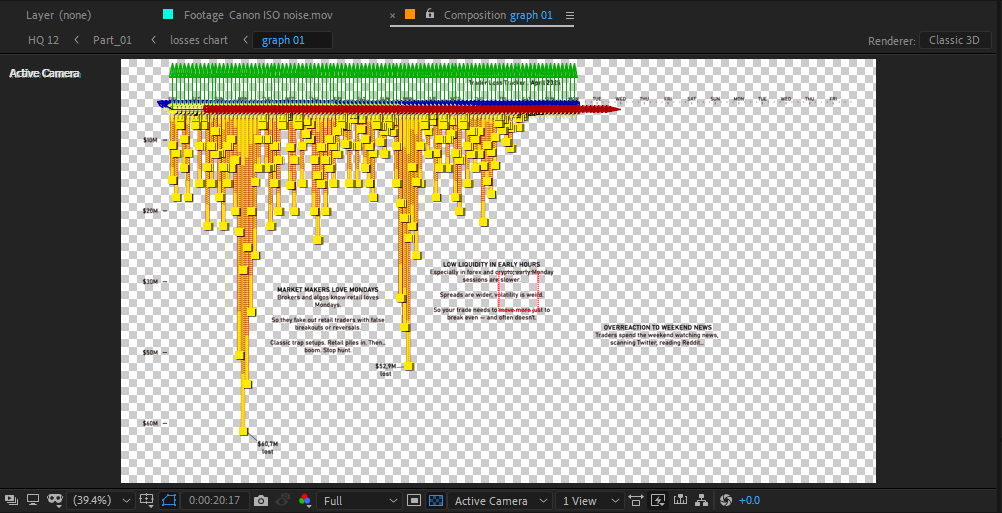
This course is your shortcut into the world of professional editing. I’ll walk you step by step through the exact techniques I use to create my own videos, the kind of projects that normally cost clients $2,000 or more to produce. From storytelling structure and sound design to motion graphics and After Effects workflows, you’ll learn not only the how, but the why behind every creative choice.
No fluff. No endless theory. Just practical, hands-on lessons you can apply right away.
What Makes This Course Different?
Real-World Workflow — You’ll learn the exact process I use on real projects, not generic tutorials.
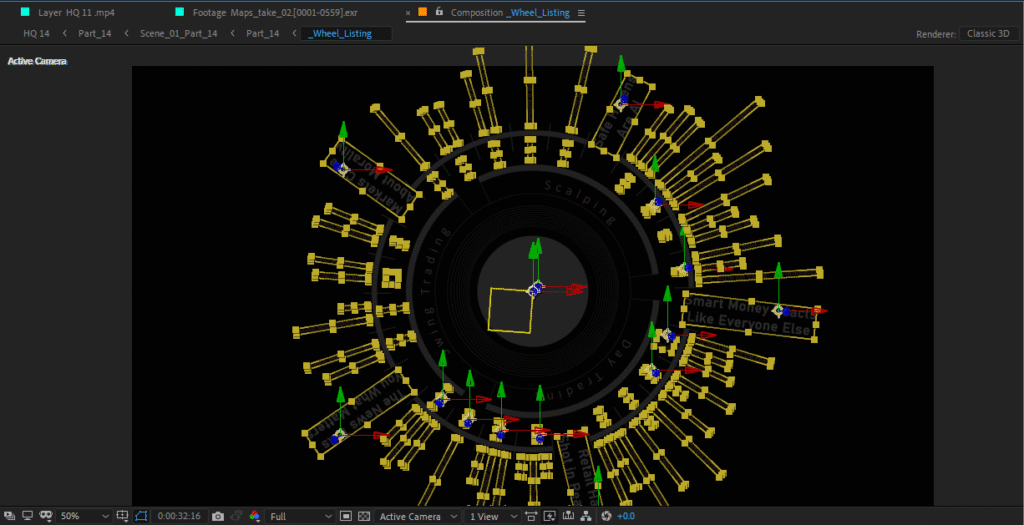
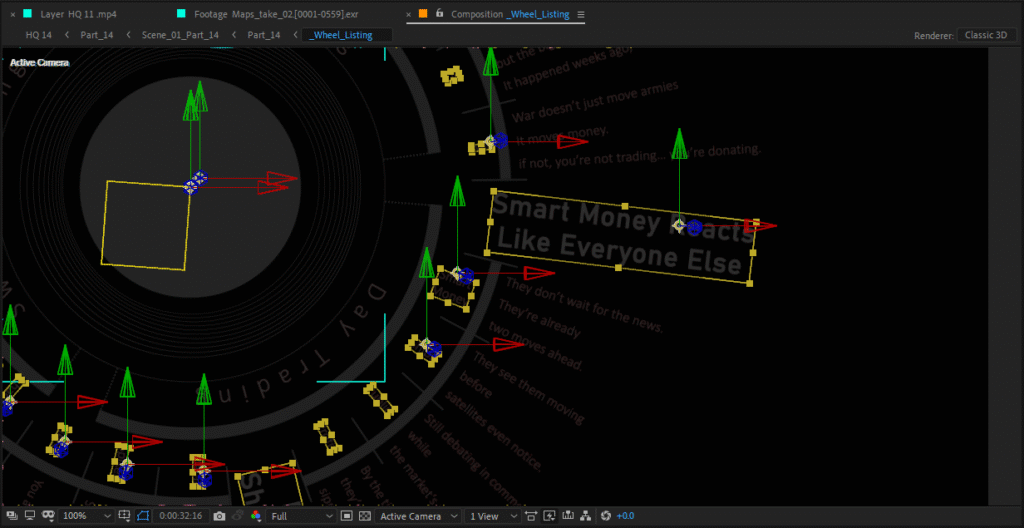
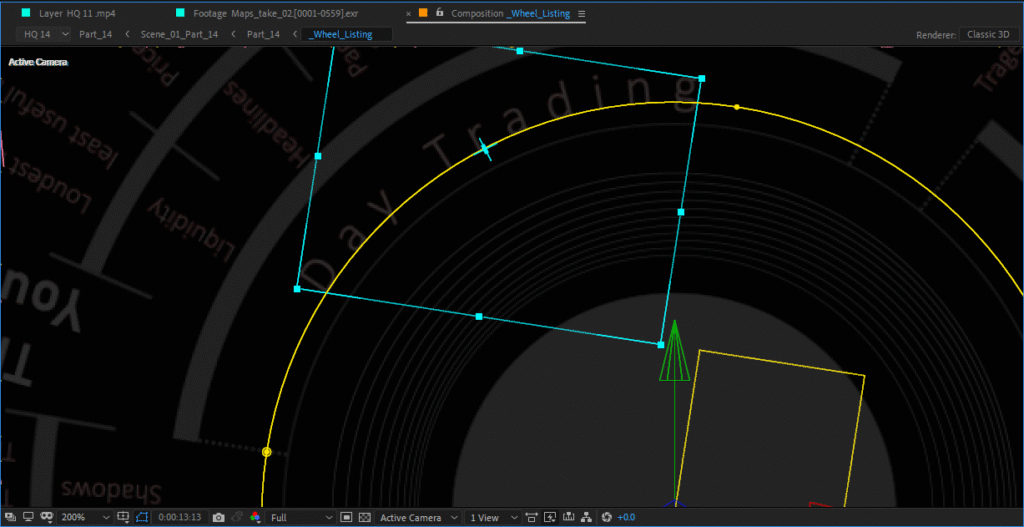
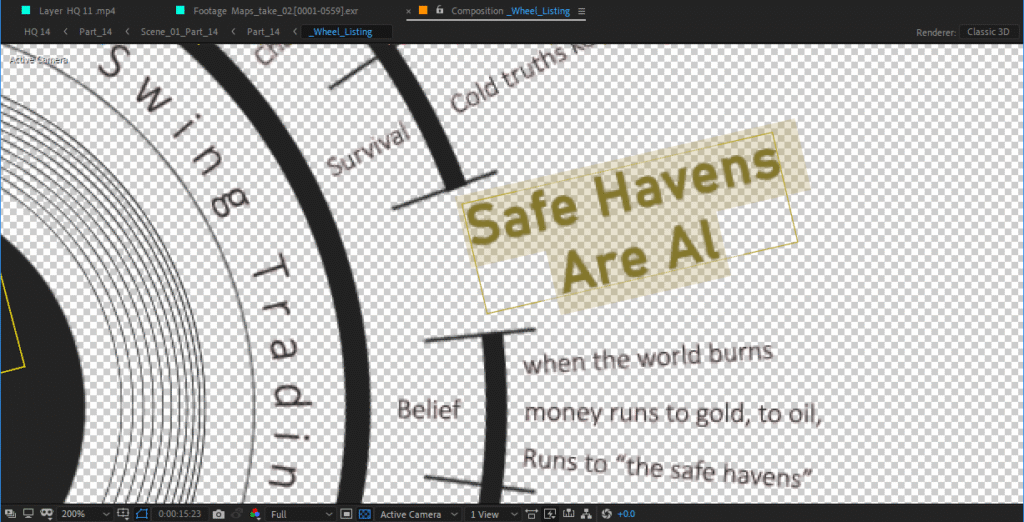
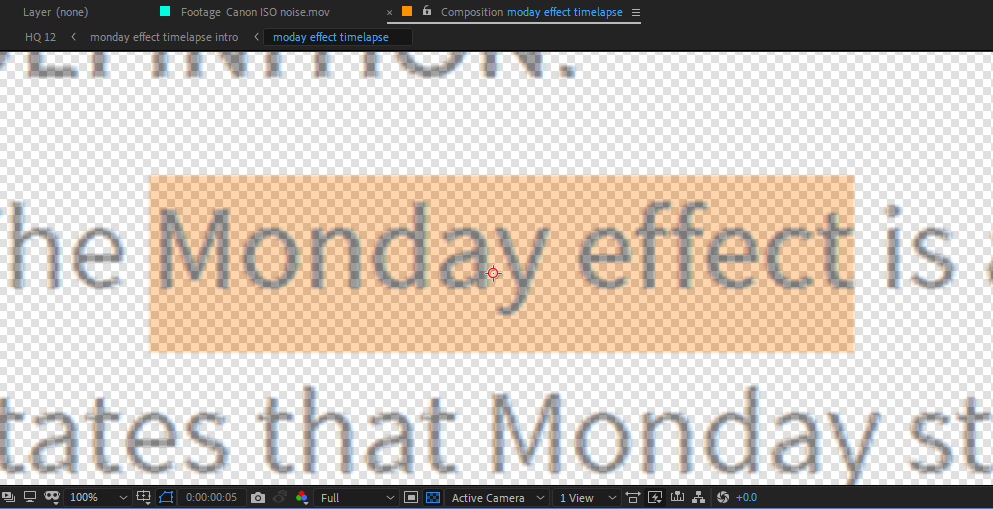
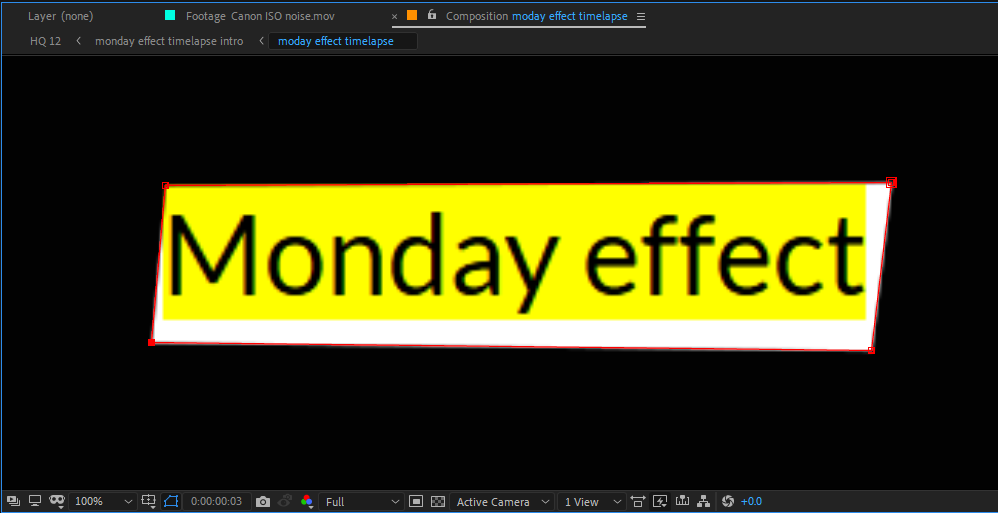
Motion Graphics Made Easy — Build smooth, professional animations without getting lost in After Effects’ complexity.
Storytelling First — Editing isn’t just cutting clips, it’s about emotion, rhythm, and keeping viewers hooked.
Sound Design Secrets — Learn how to use audio to make your edits feel alive (a skill most beginners ignore).
Beginner-Friendly, Pro Results — Even if you’ve never opened After Effects before, you’ll follow along easily.
Who Is This For?
Content creators who want to level up their videos without hiring editors.
Aspiring video editors who want to start building a portfolio that stands out.
Freelancers who want to offer high-paying editing services.
Or anyone who’s simply obsessed with making stories look and feel cinematic.
By the End of This Course…
You’ll know how to take a blank timeline and turn it into a polished, documentary-style video that looks like it came from a professional studio. You’ll also have a repeatable system you can use for YouTube videos, client work, personal projects, or even your own films.
Because here’s the big takeaway: professional video editing isn’t about expensive software or years of experience — it’s about knowing the right techniques, and practicing them the right way. That’s exactly what you’ll learn here.
Start today. In less than 30 days, you could be making videos that look like they cost thousands — all on your own.